…apply a visual system?
Set data-gs-style on a page region, or use theme on a desktop environment.
<main data-gs-style="retro">
<article class="gs-card">…</article>
</main>
<gessi-desktop theme="classic-os">
…
</gessi-desktop>Dependency-free CSS and Web Components for expressive HTML, retro desktops, windowed applications, and complete browser-based operating systems. Its small semantic vocabulary is easy for humans and coding agents to read, generate, and maintain.
Windows, menus, media, maps, themes, and interactions are included.
Paste one module script into any HTML file. It loads the stylesheet and registers every component.
<script
  type="module"
  src="https://cdn.jsdelivr.net/npm/@pol-cova/gessi/dist/gessi.js"
></script>

<gessi-desktop menu="◆ My OS,File,View,Help" clock="09:41">
  <gessi-window title="hello.html" width="38rem" active draggable>
    <h1>One script, plain HTML</h1>
    <p>No package manager, bundler, or framework required.</p>
  </gessi-window>
</gessi-desktop>Use the same CSS and native custom elements from a bundler or static-site layout.
npm install @pol-cova/gessiimport "@pol-cova/gessi/css";
import "@pol-cova/gessi/components";@pol-cova/gessiPackage default; component module@pol-cova/gessi/cssStyles only; no registration@pol-cova/gessi/componentsSSR-safe component registration@pol-cova/gessi/gessi.jsCDN entry; loads sibling CSSStart with the outcome you need. Each recipe is deliberately small enough to paste into a real project.
Set data-gs-style on a page region, or use theme on a desktop environment.
<main data-gs-style="retro">
  <article class="gs-card">…</article>
</main>

<gessi-desktop theme="classic-os">
  …
</gessi-desktop>Keep the dialog in ordinary HTML, then call its small public API from a native button.
See window and dialog attributes →<button id="open">Settings</button>
<gessi-dialog id="settings" title="Settings" hidden>
<button>Done</button>
</gessi-dialog>
<script>
const open = document.querySelector("#open");
const dialog = document.querySelector("#settings");
open.onclick = () => dialog.open();
dialog.querySelector("button").onclick = () => dialog.close();
</script>Pass space-separated effects. Gessi composes them in the browser and leaves the source file unchanged.
Browse media effects →<gessi-media
src="/photo.jpg"
alt="Night market"
effect="chromatic grain scanlines"
frame="polaroid"
></gessi-media>Import CSS during the build and register components from a browser module. The component import is guarded for SSR.
Open framework recipes →import "@pol-cova/gessi/css";
import "@pol-cova/gessi/components";Use Gessi when the interface benefits from recognizable places, tools, documents, media, or system chrome—not only for literal operating-system recreations.
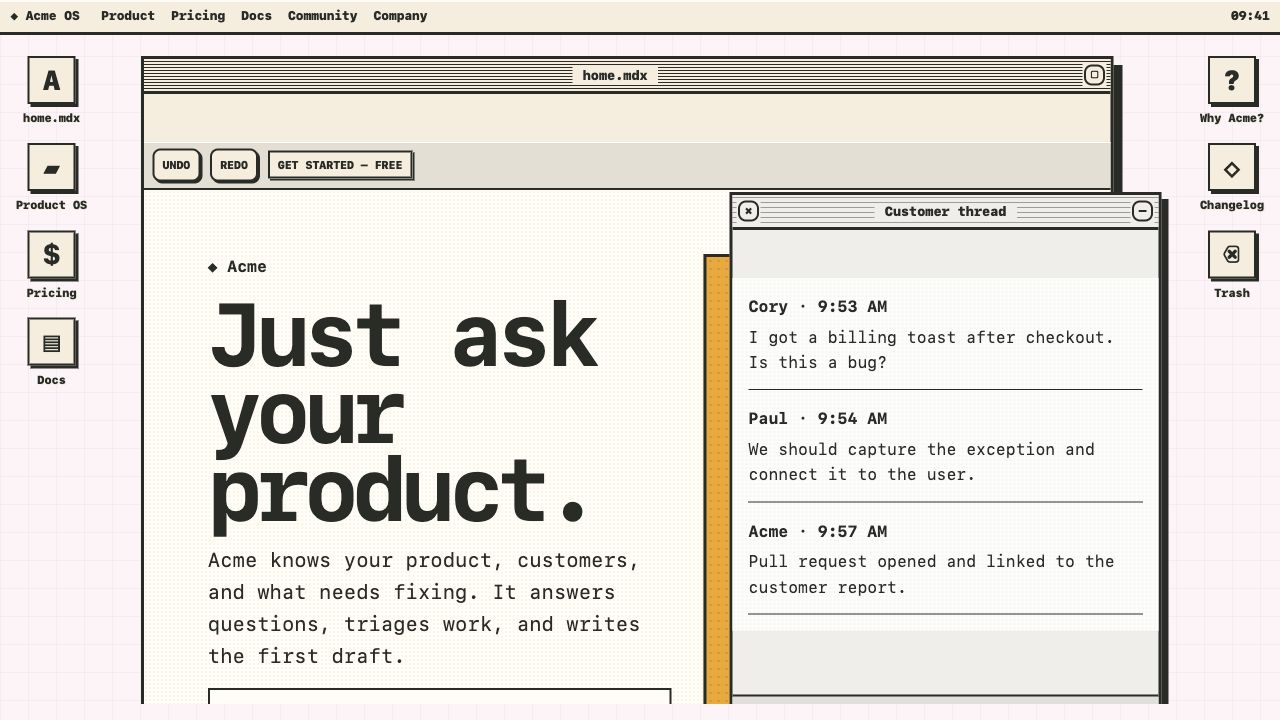
Put product copy in a primary window, supporting proof in smaller windows, and navigation in the menu bar or dock.
Use:gessi-desktop
gessi-window
gessi-toolbar
Open Product OS →
Represent projects as files, folders, documents, windows, or media objects while keeping every link and heading semantic.
Use:gessi-icons
gessi-tree
gessi-media
Open the plain HTML start →
Compose status panels, meters, lists, alerts, tabs, and dialogs without adopting a JavaScript framework runtime.
Use:gessi-panel
gessi-meter
gessi-dialog
Open Classic OS →
Layer composable effects over source images, add accessible map markers, and present collections as a carousel.
Use:gessi-media
gessi-map
gessi-carousel
Open Media OS →
Use one dominant window for the primary narrative. Smaller windows should add context, not repeat the same content.
<gessi-desktop theme="neo">
  <gessi-window title="product.html" active zoomable>
    <main class="product-layout">
      <h1>Ship the work that matters.</h1>
      <p>Your product-specific content stays ordinary HTML.</p>
      <a class="gs-btn" href="/signup">Start free</a>
    </main>
  </gessi-window>
</gessi-desktop>Let Gessi provide reusable chrome while labels, fields, and actions remain native controls.
<section data-gs-style="classic-os">
  <gessi-panel title="Preferences" columns="2">
    <label>Display name <input value="Ada"></label>
    <label>Theme
      <select><option>Classic OS</option></select>
    </label>
    <gessi-meter label="Storage" value="64"></gessi-meter>
    <button type="submit">Save changes</button>
  </gessi-panel>
</section>The effect belongs to presentation. Keep useful alt text and the original image asset.
<div class="project-grid" data-gs-style="retro">
  <gessi-media
    src="/work/archive.jpg"
    alt="Printed archive interface"
    effect="dither grain"
    caption="Archive, 2026"
    zoomable
  ></gessi-media>
</div>Gessi is AI-friendly because the output is still semantic HTML: a small set of named components, ordinary content elements, and explicit attributes instead of generated wrapper trees.
Replace the bracketed project details, paste it into your coding agent, and include a screenshot or product brief when you have one.
You are implementing [PROJECT OR PAGE] using Gessi, a dependency-free CSS
and native Web Component library for expressive HTML.

Goal:
- Build [DESCRIBE THE INTERFACE AND PRIMARY USER TASK].
- Use the [neo | minimal | retro | old-tech | classic-os] visual system.
- Match [REFERENCE, BRAND, OR ART DIRECTION].

Integration:
- For plain HTML, load:
  <script type="module"
    src="https://cdn.jsdelivr.net/npm/@pol-cova/gessi/dist/gessi.js">
  </script>
- For a bundler, import "@pol-cova/gessi/css" and
  "@pol-cova/gessi/components".
- Do not add a framework runtime only to use Gessi.

Implementation rules:
- Use Gessi components for reusable interface chrome: desktop, windows,
  dialogs, menus, toolbars, docks, panels, alerts, media, maps, or carousels.
- Keep project content as semantic HTML: headings, links, buttons, lists,
  forms, images, and sections.
- Keep content in light DOM. Do not introduce Shadow DOM.
- Use native buttons for actions and native links for navigation.
- Put project-specific grids and content layout in ordinary scoped CSS.
- Do not invent one-purpose utility classes or wrap every element in a
  custom component.
- Keep imports safe during SSR and do not access browser globals at module
  evaluation time.
- Preserve keyboard access, visible focus, useful accessible names, alt text,
  long-content handling, and prefers-reduced-motion.
- At widths below 720px, convert positioned desktop UI into readable document
  flow without separate mobile markup.

Deliver:
1. The working implementation.
2. Any small scoped CSS needed for [PROJECT].
3. A short explanation of the chosen Gessi components.
4. Browser verification at desktop and mobile widths.

Before finishing, verify that the page has no horizontal overflow, clipped
content, console errors, inaccessible generic click targets, or unreadable
theme contrast.Switch the style attribute. Components and semantic content remain unchanged.
Cards, controls, forms, and OS components share the selected visual language.
Use the class layer for normal pages, or combine it with the OS components.
.gs-cardContent surface.gs-btnButtons and links.gs-fieldInputs and selects.gs-gridResponsive content grid.gs-stackVertical rhythm.gs-clusterInline control group.gs-chipCompact metadata.gs-progressProgress indicatorBackground patterns, semantic menus, icons, window stacking, and keyboard management are built in.
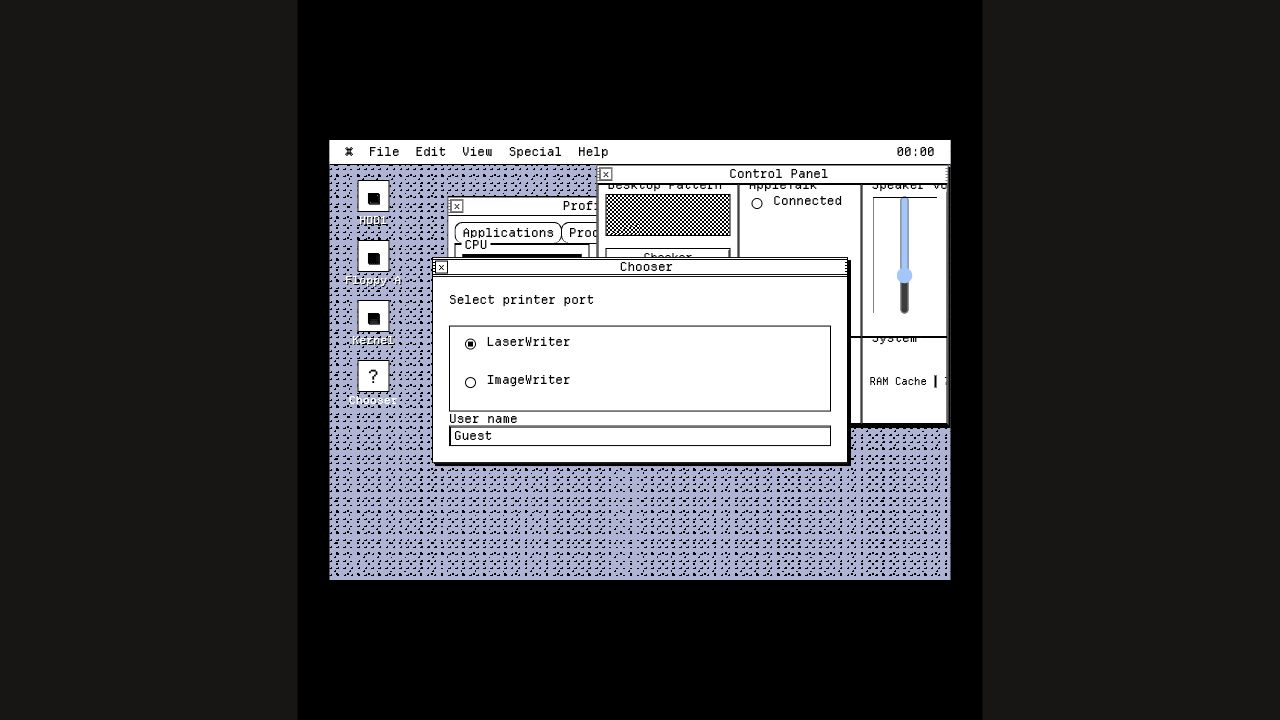
<gessi-desktop
  theme="classic-os"
  background="#c5c9ea"
  pattern="grid"
  pattern-color="#5a5f92"
>
  <nav slot="menu">
    <strong>⌘ Product OS</strong>
    <a href="/">File</a>
    <button type="button">Help</button>
  </nav>

  <gessi-window title="Projects" active draggable>
    Your normal HTML
  </gessi-window>
</gessi-desktop>Generated chrome, draggable positioning, nested child windows, focus stacking, controls, slots, and dialog focus management.
<gessi-window>title x y width height draggable minimizable zoomable
toolbar sidebar status
<gessi-dialog>open() and close(), Escape handling, focus trapping, and focus restoration.
Build control panels, status surfaces, notifications, and file-like interfaces out of the box.
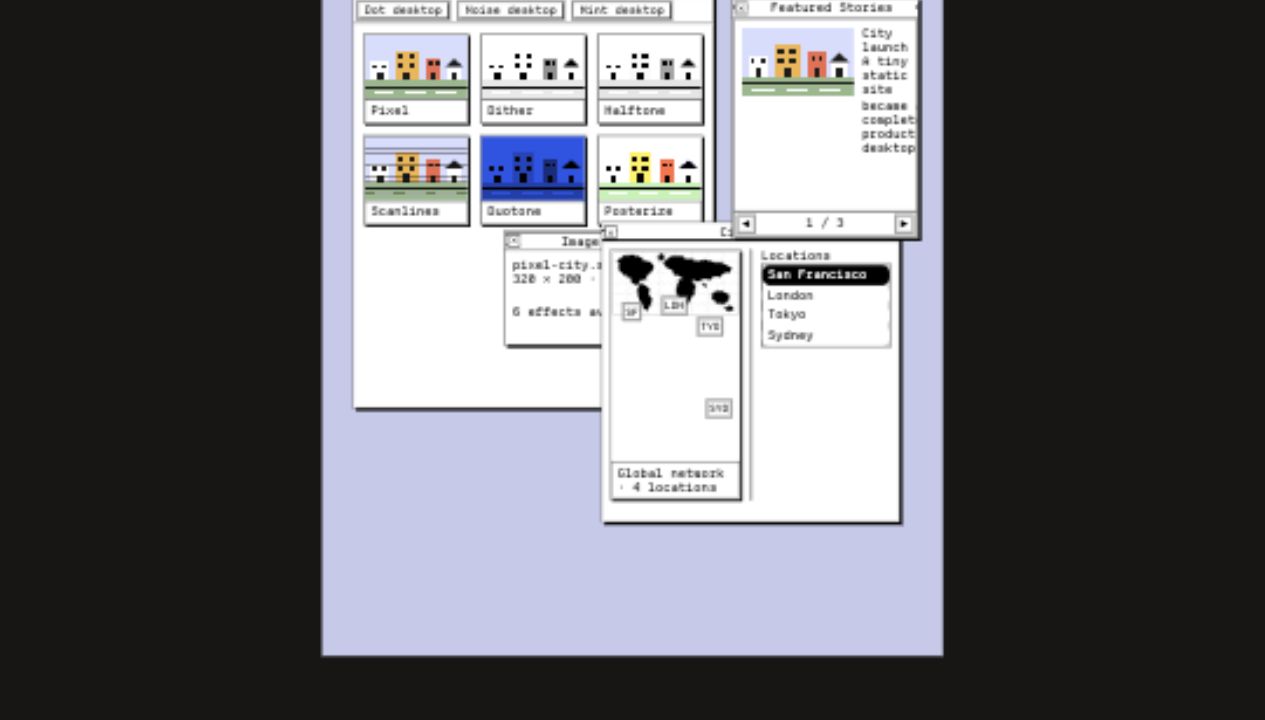
Stack effect names without changing the original file or shipping an image-processing dependency.
<gessi-media
  src="/photo.jpg"
  alt="Night market"
  effect="chromatic grain scanlines"
  frame="polaroid"
  aspect="4 / 3"
  zoomable
></gessi-media>Use a real image or inline SVG, then place accessible percentage-based markers above it.
Every direct child becomes a keyboard-accessible slide with generated themed controls.
<gessi-carousel aria-label="Featured work" autoplay="5000">
  <article>First story</article>
  <article>Second story</article>
  <article>Third story</article>
</gessi-carousel>Below 720px, desktop composition becomes readable document flow without separate mobile markup.
Native custom elements work in Astro, Eleventy, Hugo, Jekyll, server templates, and framework applications.
<script type="module"
  src="https://cdn.jsdelivr.net/npm/@pol-cova/gessi/dist/gessi.js">
</script>
---
import "@pol-cova/gessi/css";
---
<script>
import "@pol-cova/gessi/components";
</script>node_modules/@pol-cova/gessi/dist/gessi.css
node_modules/@pol-cova/gessi/dist/gessi.jsDesktop interactions include keyboard window management and accessible dialog behavior.
Open the examples, inspect the source, and use them as starting points.